
Checkouts Pro
The checked out page on the mobile app displays all currently checked out items.
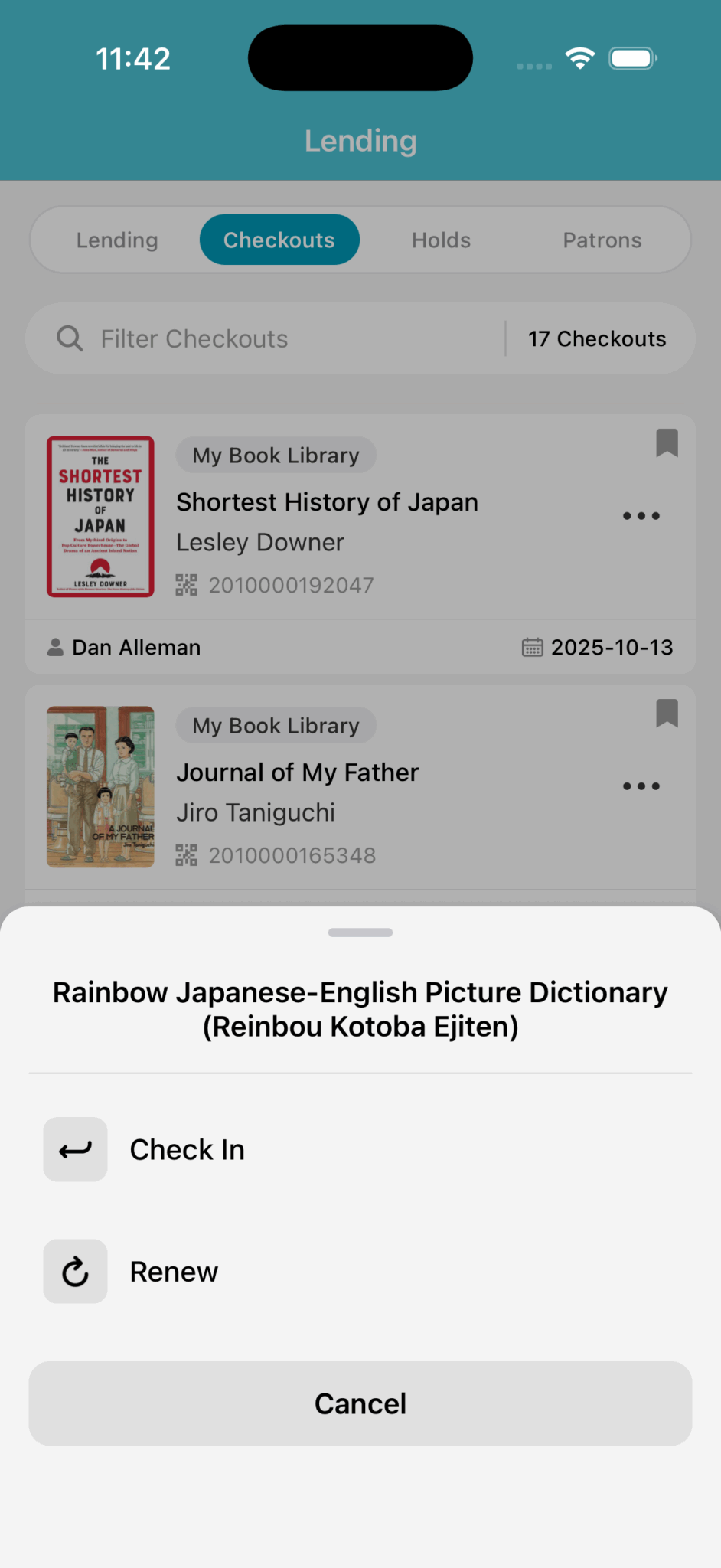
From here you can search for specific patrons or items, and view the item's due dates, check the item back in, or renew the item to extend the due date.
Items that are overdue have a light-red background.
Due Dates Incorrect
If the due dates appear off, make sure that you have set the correct timezone for yourself on the website:Account Menu > Account Settings > Change Timezone.
When tapping on the ellipses ..., you can Check In and Renew.
Check In
Immediately checks the item back in.
Renew
Extends the due date