
SSO Ultimate
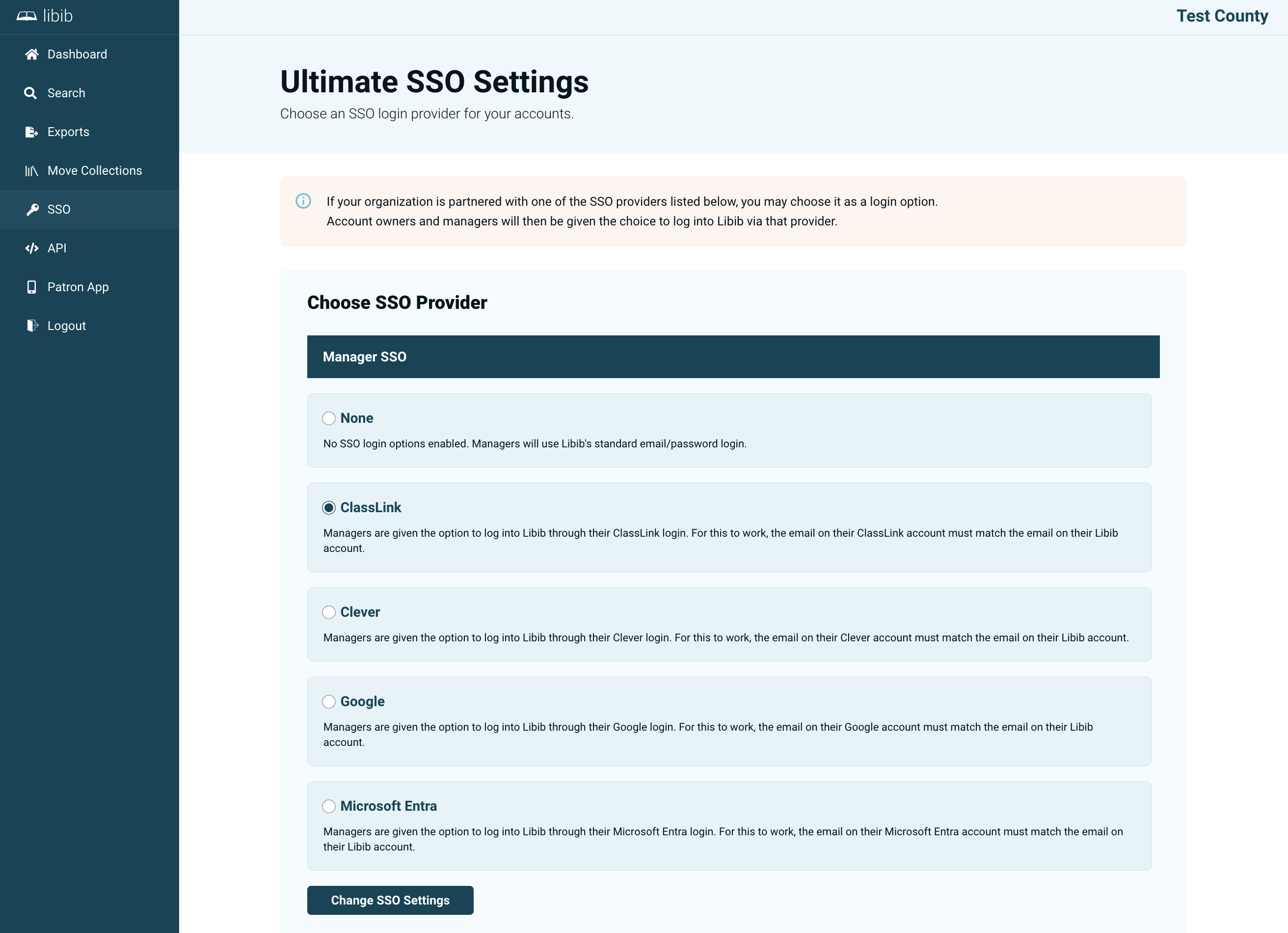
Single Sign-On (SSO) lets your account owners and managers log into Libib using an existing identity provider, instead of a separate Libib password.
Supported Providers
Libib Ultimate supports SSO through the following providers:
- ClassLink
- Clever
- Microsoft
Configuring SSO
On the SSO settings page you can set a provider for:
- Managers — the SSO provider used by your account owners and managers
INFO
SSO settings apply across your entire Ultimate collective. For SSO to work, the email addresses must match. If the email address is example@domain.com on the SSO provider, they must be added to Libib using the same email.