
Patrons Pro
The patrons tab is where you can view and manage your library's patrons.
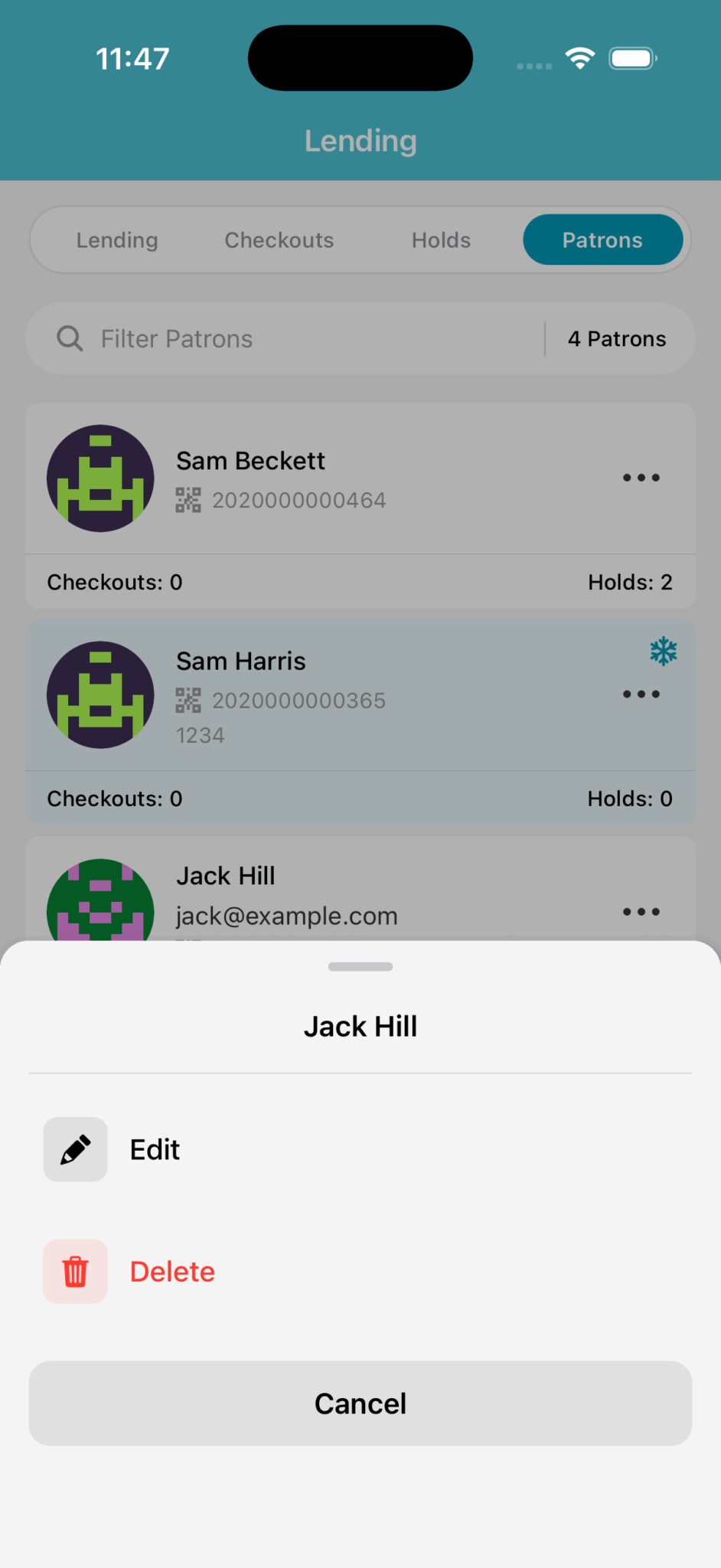
You can search for a patron with their name, email address or barcode number.
Near the bottom of each patron we display the number of checkouts and holds they currently have.
If the patron background is shaded blue and has a snowflake icon in the corner, it means they have been frozen - which prevents them from self-checkouts and placing holds.
Tapping on the ellipsis ..., reveals the edit and delete options.
Add
Clicking the "+" icon in the bottom right corner will allow you to do a quick patron add. Only the first and last name are required.
Edit
Allow you to change the patron's details and freeze the patron.
Delete
Removes the patron – be aware that if the patron has any current checkouts, you will need to check those items in first before you can delete them.