
Exports Ultimate
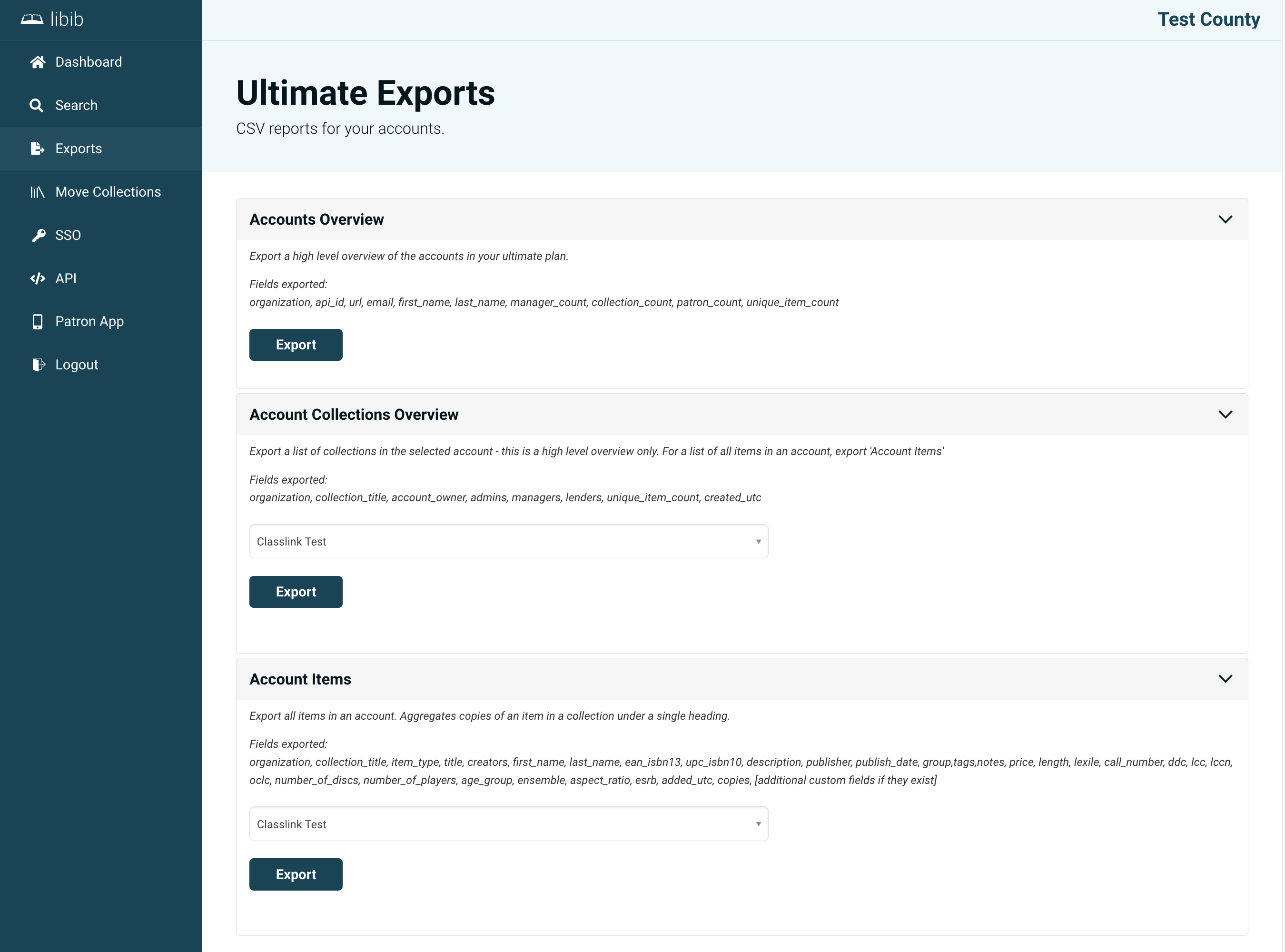
The Exports page lets you download data from across your Ultimate collective as CSV files, ready to open in a spreadsheet application. There are three types of export available.
Accounts Overview
A single CSV summarizing every account in your collective. Each row includes:
| Column | Description |
|---|---|
organization | The account name |
api_id | The account's API identifier |
url | The account's published URL |
email | The account owner's email |
first_name / last_name | The account owner's name |
manager_count | Number of managers on the account |
collection_count | Number of collections |
patron_count | Number of patrons |
unique_item_count | Number of unique items |
Account Collections Overview
For a chosen account, exports a high-level list with one row per collection. Each row includes:
| Column | Description |
|---|---|
organization | The account name |
collection_title | The collection's name |
account_owner | The account owner's email |
admins | Emails of the admins with access to all collections |
managers | Emails of the managers assigned to specific collections |
lenders | Emails of the lenders assigned to specific collections |
unique_item_count | Number of unique items in the collection |
created_utc | When the collection was created |
For a full item-by-item list of an account, use the Account Items export instead.
Account Items
For a chosen account, exports a full item-level catalog — every item across all collections, including its type, title, creators, identifiers (ISBN/UPC), description, publisher, tags, notes, call numbers, and more. Multiple copies of an item within a collection are aggregated under a single row, with a copies column showing the count. Any custom fields defined in that account are included as additional columns.
TIP
All exported files are named with the export type and a timestamp (for example, accounts_overview_20260705_143000.csv) so you can keep track of when each snapshot was taken.