
Settings
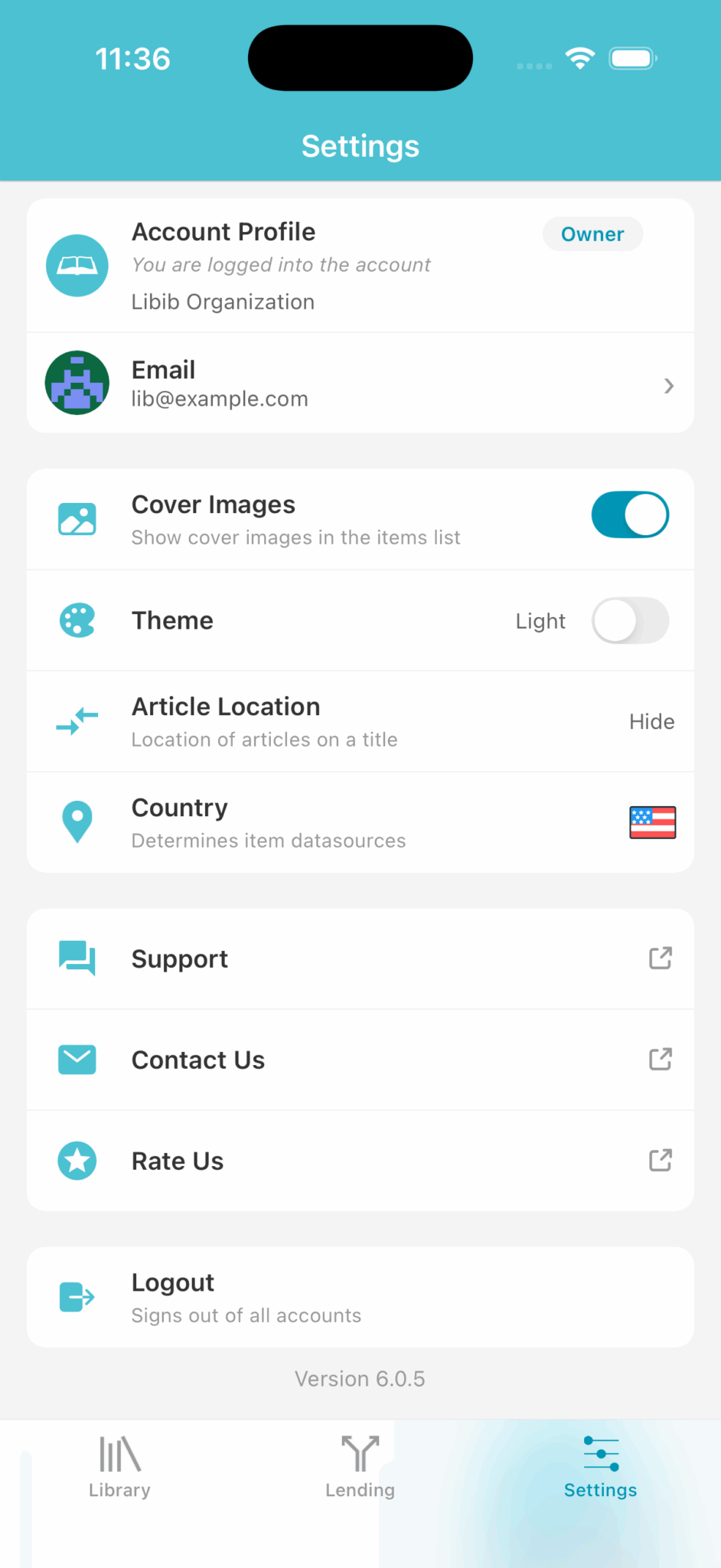
Account Profile
Shows the account you're currently in, as well as your role in that account. If you have been assigned as a manager in a different account, you can tap on this section to bring up a list of accounts that your email has access to. Tapping on a different account will switch you over.
Email
Displays your account email address. This stays the same across the account that you are the owner of, and any accounts that you might be a manager of as well. To change your email, tap.
Cover Images
Toggles the display of the cover image on the item list and search pages.
Theme
Gives you the option to change the color theme from Libib's default to a dark theme.
Article Location
Lets you choose where to place the indefinite article on a title when showing your list of items or on the search page.
Country
Lets you choose where your data will come from. Choosing the country that most of your items are from will greatly increase positive search results.
Support
Links off-app to the support website.
Contact Us
Links off-app to our contact page.
Rate Us
A direct link to the App/Play Store where you can rate Libib. We never have nag pop-ups, so please consider rating us!
Logout
Signs all accounts out of the mobile app.