
Tags
The tags section lists all your existing tags for quick reference and searching.
Tags are a way to categorize your items. Think of them as custom labels or subject headings you create to organize items across your library.
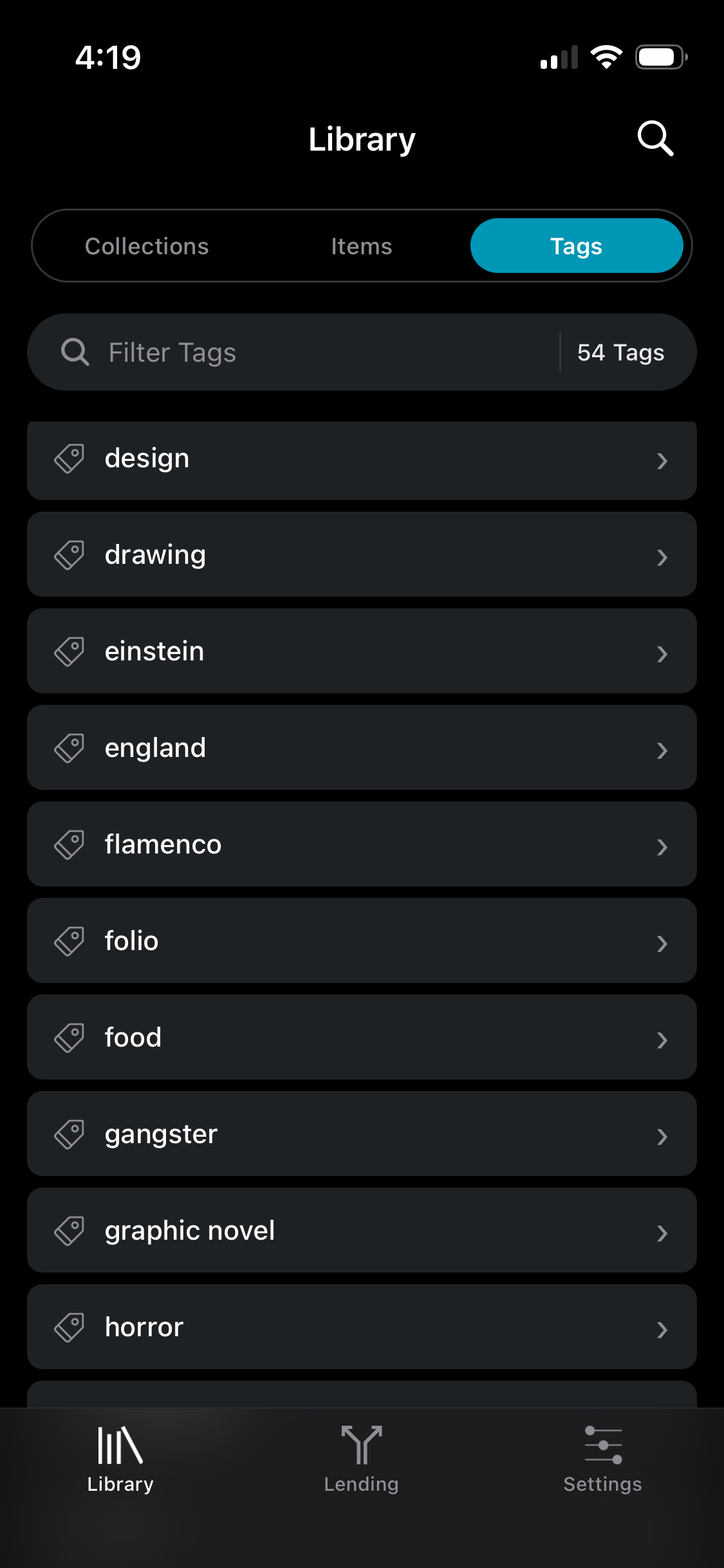
You can add your own subject headings using tags, and these are searchable. This makes tags ideal for genres, themes, or any custom categorization you want.
To add a tag to an item, click the
ellipseson an item in your item list to reveal the edit menu, and click onEdit.The app offers auto-complete for tags, so as you type, it suggests tags you've already used — helping keep your tagging consistent.
To browse/search by tag tap a tag in the list.