
Lending Pro
Managers can lend items out of their collections using the mobile app and a barcode. While you can use the ISBN/UPC to do this, we highly recommend using Libib's custom barcodes. You will be guaranteed accurate results this way.
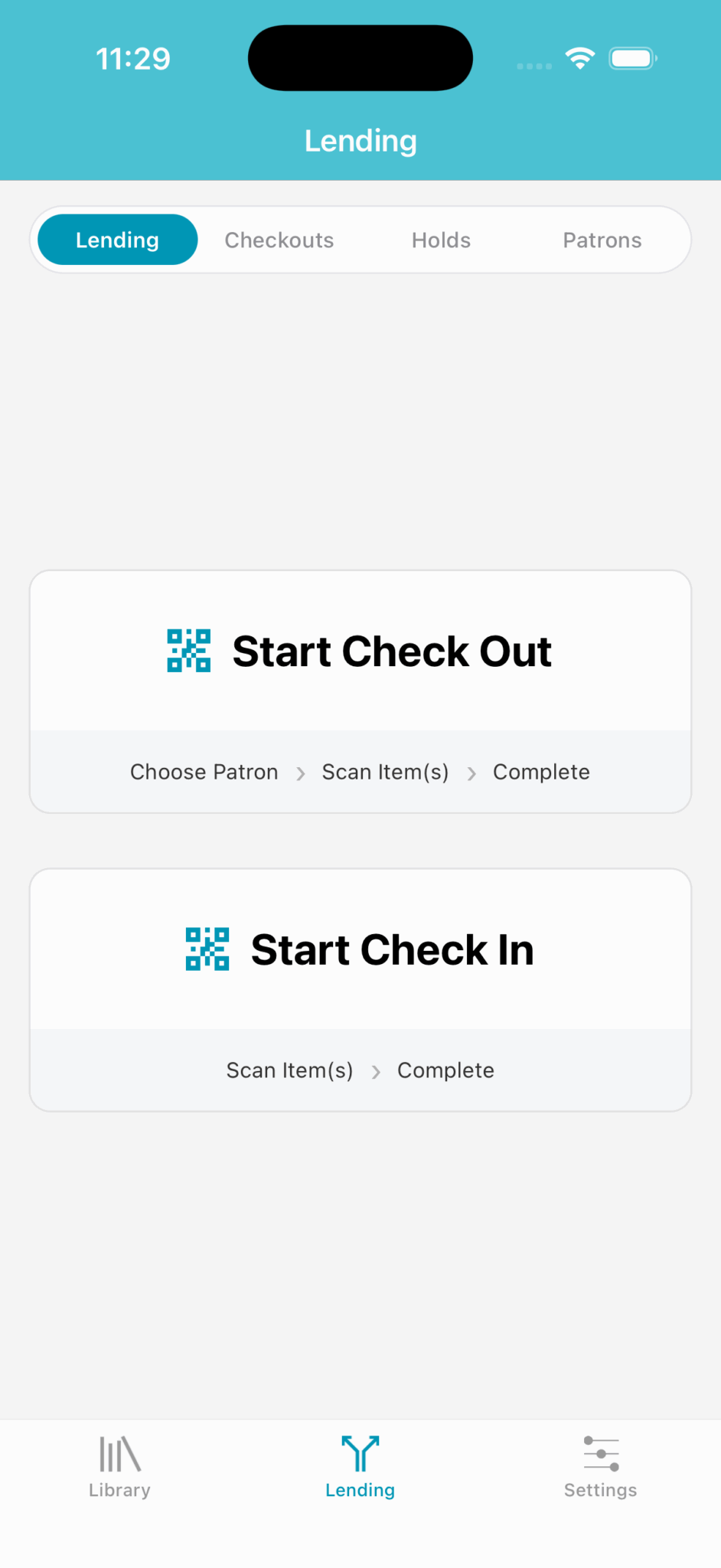
Check Out
To begin checking items out, tap on Start Check Out:
A list of patrons for you to choose from is generated. Tap on the patron you wish to check out to, or if you use patron barcodes, you can tap on the QR icon in the bottom right corner to bring up a patron barcode scanner.
The item barcode scanner will now come up and you may begin scanning items out.
If you scan in an item for a patron who has placed a hold on said item, the hold is released automatically.
When done, simply tap the
Donebutton.
Check In
To begin checking items in, tap on Start Check In:
The barcode scanner will come up and you may begin scanning items in.
When done, simply tap the
Donebutton.